
Halloween Couple Costume Ideas You Can Preview
Eight coordinated couple costume ideas, the contrast rule that makes them read in a photo, and a multi-reference AI workflow for previewing both looks together.
On this page
Short answer: the best couple costumes contrast in silhouette or color, not just in theme. Pick one clear difference — earth versus air, dark versus warm, structured versus flowing — and build both outfits around it. A multi-reference AI edit can preview both looks together before you buy anything.
Couple costumes fail for a predictable reason: both people wear the same shape. Two black outfits, two capes, two hats, and the photo reads as one person standing very close to another. The costumes may be accurate, but the image is not legible.
This guide covers eight pairings that read at a glance, the prompt structure for a two-person edit, and the photo mistakes that cause face swaps and extra people. The playable workflow is on the Halloween couple costume generator page.
The contrast rule
A couple costume has to answer one question in a thumbnail: what are these two? Contrast is how you answer it.
There are three useful kinds of contrast:
- Silhouette: one structured outfit, one flowing outfit. A tailored suit and a draped dress. Armor and a robe.
- Color: one cool palette, one warm palette. Black and silver against cream and gold. Deep green against burgundy.
- Material: one hard surface, one soft surface. Leather and lace. Metal and fur.
Theme alone is not enough. "Cowboy and angel" works because the earth-toned western shape contrasts with the soft white angel shape. "Two vampires" often does not, because both silhouettes collapse into the same dark column.
Eight pairings that read
1. Cowboy and angel
Earth versus air. A dark hat, a suede jacket, and a bandana against a soft white suit and a restrained feathered collar. The silhouettes are different, the colors are different, and the joke is clear.
2. Vampire and mortal
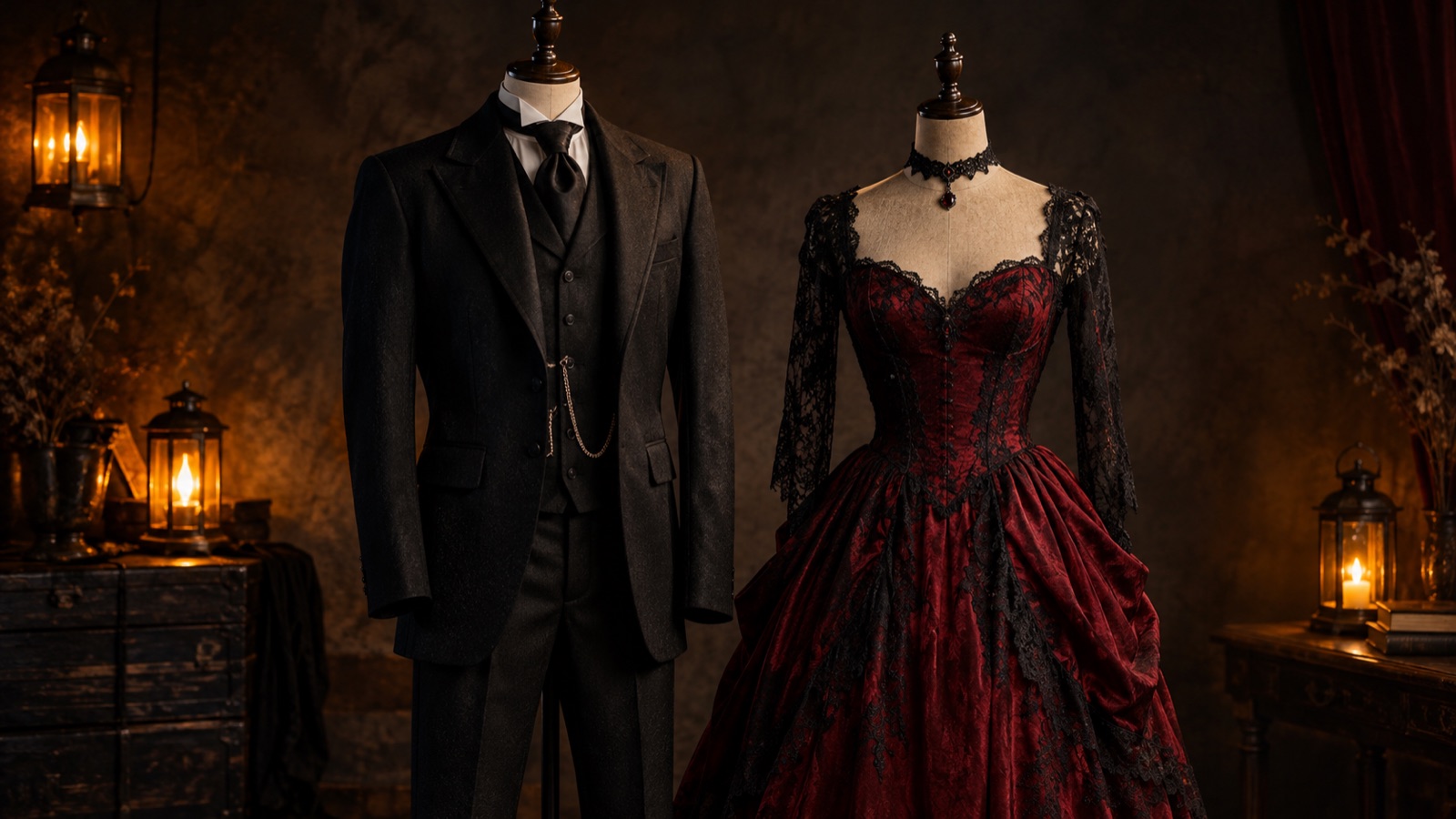
Dark versus warm. A black velvet coat with a high collar against a deep burgundy dress or shirt. The contrast is in the palette and the collar height, not in fake blood or weapons.
3. Pirate and siren
Rugged versus flowing. A worn coat and a linen shirt against a draped sea-green dress. The scene does most of the work: a rocky coast at blue hour, low mist, moonlight.
4. Skeleton and reaper
Printed versus draped. A skeleton bodysuit with subtle skull makeup against a layered charcoal cloak. Keep the reaper mask pushed up above the face so both people stay recognizable.
5. Disco duo
Green versus gold. A deep green sequin jacket against a gold jumpsuit. Sequins give the image a texture contrast that reads even in a small photo.
6. Moon and sun
Cool versus warm. Silver-blue drapes and a crescent headpiece against a gold outfit and a simple radial crown. This pair works best against a twilight gradient.
7. Movie theater usher and ghost
Uniform versus sheet. A structured usher uniform against a soft, deliberate ghost costume. The contrast is formal versus absurd.
8. Chess pieces
Black queen and white king. Two structured silhouettes, but the color inversion and the crown heights keep them distinct. Avoid two queens; the shapes are too similar.
How the multi-reference edit works
A multi-reference edit gives the model more than one source image. Each person is a reference, and the prompt describes the shared scene. The model has to solve three things at once: preserve person A, preserve person B, and make the lighting believable for both.
That is harder than a single portrait, and the failure modes are specific:
- Face swap: the model assigns person A's face to person B's body.
- Merged identity: the two faces average into one.
- Third person: the model adds a figure to fill the composition.
- Inconsistent light: one face is lit from the left, the other from the right.
The presets on the couple page address all four. They name each outfit separately, say "do not swap faces or merge identities", and end with "keep exactly two people".
A prompt you can start from
Here is the structure, using the cowboy and angel pairing:
Use both uploaded photos as references. Preserve each person's recognizable face, skin tone, and body proportions. Do not swap faces or merge identities. Dress one person in an original western cowboy costume: a dark hat, a suede jacket, and a simple bandana. Dress the other in an original angel costume: a soft white suit, a restrained feathered collar, and a thin halo headpiece. Place them side by side in a warm desert dusk scene with a low horizon and a few distant lights. Keep exactly two people. Use photorealistic editorial photography, natural skin texture, and consistent lighting across both faces. Avoid a third person, extra limbs, distorted hands, text, logos, and watermarks.
If you change one outfit, keep the other sentence intact. The model needs to know which person gets which costume; if you remove both descriptions, it will invent a new pair.
Source photo checklist
The model cannot preserve a face it can barely see. For a couple edit, the source photos matter more than the prompt length.
- One person per photo. No arms around shoulders in the source; the model may interpret the arm as a third body.
- Similar camera height. If one photo is from above and the other from below, the proportions will fight.
- Similar light direction. Daylight on both, or indoor light on both. A daylight photo and a dark club photo are hard to reconcile.
- Both faces sharp and unobstructed.
- Enough torso visible for the costume to have room.
- Permission from both people before you upload or share.
If you only have a group photo, crop each person out before uploading. Do not ask the model to "pick two people" from a group; it usually keeps everyone.
What to avoid
Do not ask the model to reproduce a specific film couple, a branded costume, or a celebrity red-carpet look. Those are licensed designs or real people's likenesses, and a generated copy is both a legal risk and a worse image.
Do not add gore, weapons, or a third person to a couple portrait. The presets avoid them because they distract from the two faces and make the image harder to share.
And do not present a generated image as a real event photo. If you post it, say it is an AI preview. That is honest, and it keeps the image from being mistaken for a wedding or engagement photo.
Preview, then buy
A generated couple portrait is a planning tool. It shows whether the palette, the silhouette contrast, and the scene work before either person spends money. It does not prove that a real costume will fit, and it does not replace a seller's size chart.
Use the preview to choose a direction, then buy from a seller with a clear return policy. If you are making the costumes, use the image for color and shape, not for a sewing pattern.
Frequently asked questions
Can the generator keep both faces recognizable?
The prompts instruct the model to preserve both identities, but multi-person preservation is harder than a single portrait. Use two clear, similarly lit photos and check the faces before judging the costumes.
Why do I need Multi Fusion mode?
Multi Fusion accepts more than one source image, which is how the model sees both people. Single Edit accepts one image and is intended for a single-subject portrait.
What if the model adds a third person?
Add or strengthen the instruction "keep exactly two people" and remove any group photo from the references. If the source photos contain other people, crop them out before uploading.
Can we use this for a wedding or engagement photo?
You can use it as a concept preview, but do not present a generated image as a real wedding photo. For a real event, hire a photographer and use the generator only for planning.
Start with a pairing
Open the Halloween couple costume generator, choose a pairing, and upload one photo per person in Multi Fusion. If you want more prompt variants, the Halloween AI prompts page has a couple formula you can copy.
Further reading
- Halloween costume — how couples and group costumes became part of the tradition.
Related guides
How to Turn a Selfie Into a Halloween Costume
A step-by-step guide to turning a selfie into a Halloween costume portrait with AI: source photo, costume prompt, identity preservation, and model choice.
ReadBest Halloween AI Prompts for 2026
12 Halloween AI prompt formulas for portraits, couples, pets, backgrounds, and short videos, with the exact preserve-change-light-avoid structure that works.
ReadBuddy the Unicorn Costume Trend, Explained
Why the haunted unicorn mascot became a 2026 Halloween trend, how to build an original look, and how to avoid copying a licensed character or costume design.
Read